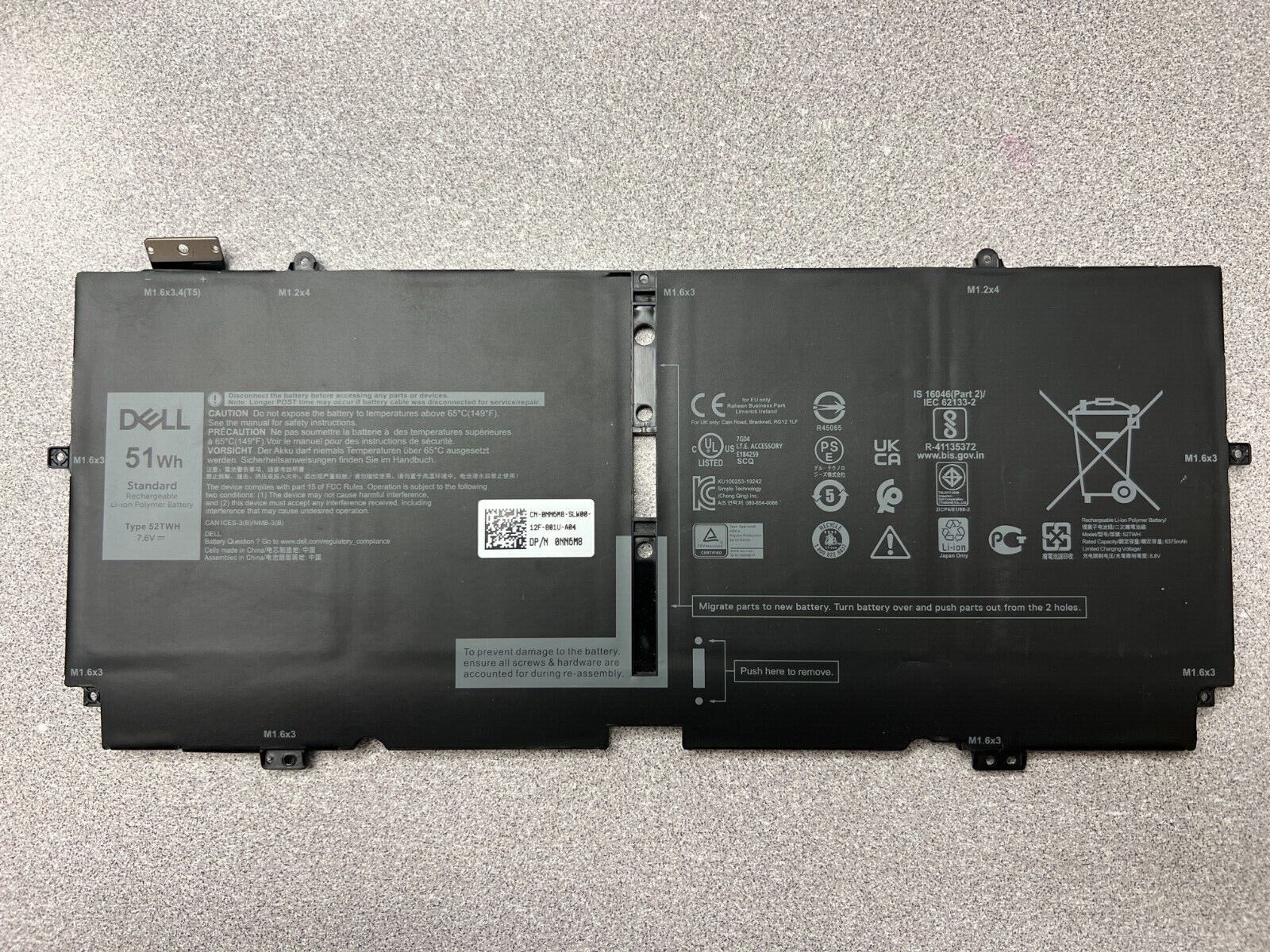
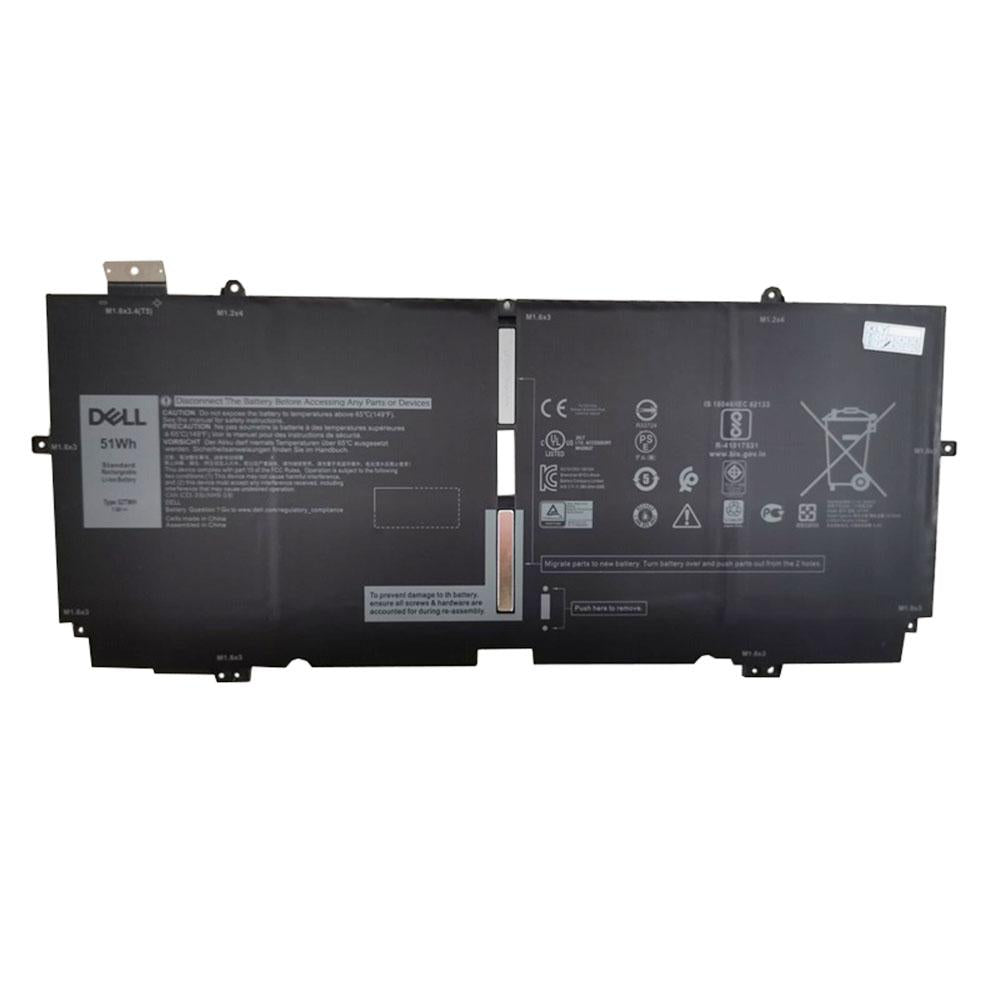
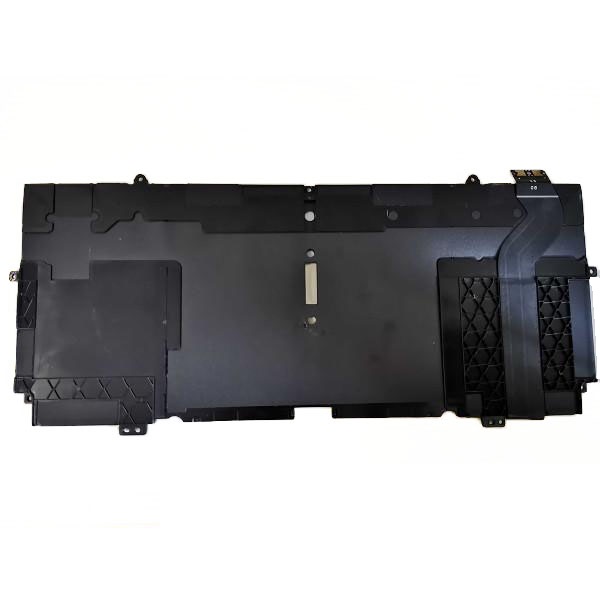
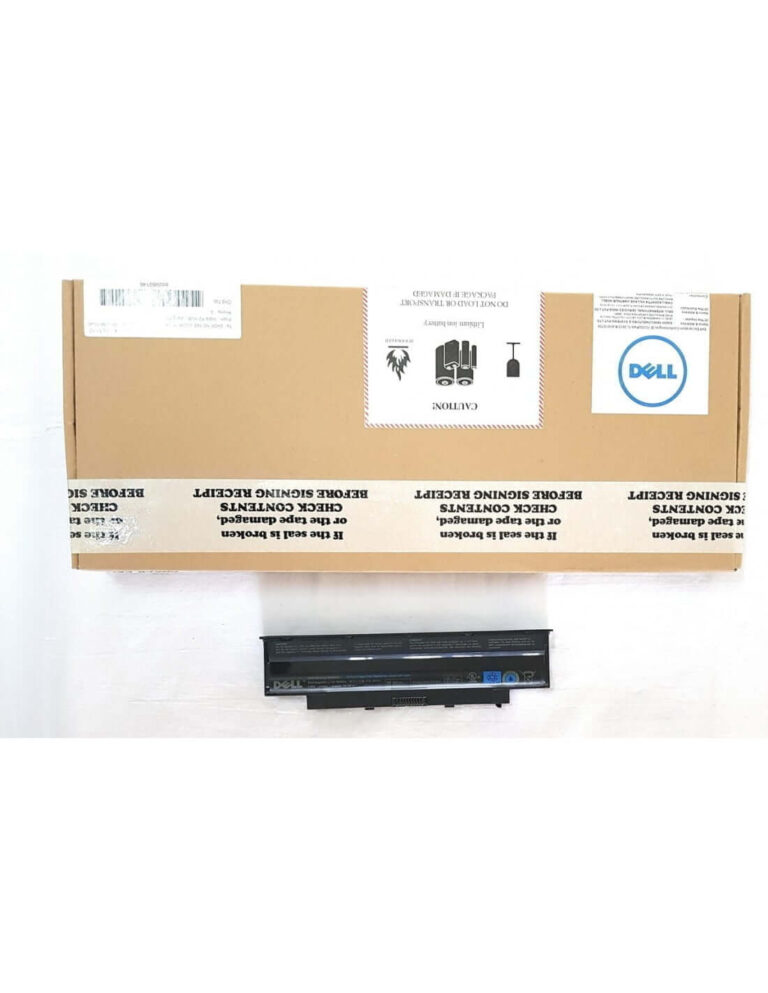
Restore your Dell XPS 13 7390 2-in-1 to its original, untethered glory with this Genuine 51Wh Original Laptop Battery. Engineered specifically for your premium device, this authentic replacement battery is the definitive solution to regain the freedom of long-lasting power and peak performance. Say goodbye to the constant search for a power outlet and hello to uninterrupted productivity and entertainment, just like the day you first unboxed your laptop.
Key Features
- Authentic OEM Quality: This is a genuine Dell original battery, guaranteeing perfect compatibility, uncompromising safety, and optimal performance as intended by the manufacturer. Avoid the risks associated with non-genuine alternatives.
- High-Capacity Power Source: Featuring a robust 51Wh (Watt-hour) capacity, this 4-cell battery provides extended usage time, allowing you to work, stream, and create for longer periods between charges.
- Precision Engineered for a Perfect Fit: Designed exclusively for the Dell XPS 13 7390 2-in-1 model, this battery ensures a seamless physical fit and flawless communication with your laptop’s power management system.
- Advanced Lithium-Ion Technology: Constructed with high-grade Lithium-Ion cells that offer a stable and reliable power output, no memory effect, and a significantly longer overall lifespan.
- Integrated Safety Protections: Equipped with built-in circuit protection to safeguard against overcharging, over-discharging, over-current, and short-circuiting, protecting both you and your valuable device.
Benefits and Usage
Is your Dell XPS 13 7390 2-in-1 no longer holding a charge? A failing battery can severely limit the portability and functionality of your ultrabook. This genuine replacement battery breathes new life into your device, allowing you to experience true mobility once again. Work from a coffee shop, attend back-to-back classes, or enjoy a full-length movie on a flight, all without the anxiety of a low battery warning.
By installing a new, genuine battery, you not only restore the original runtime but also ensure your laptop operates at its peak performance level. A healthy battery provides consistent and stable power, preventing the unexpected shutdowns and performance throttling that often occur with a worn-out power source. This guarantees a smooth, reliable, and efficient user experience for all your computing needs.
Additional Information
Technical Specifications:
- Battery Type: Lithium-Ion (Li-ion)
- Voltage: 7.6V
- Capacity: 51Wh
- Cell Count: 4-Cell
- Condition: Brand New, Genuine Dell Original
- Color: Black
Full List of Compatible Part Numbers:
This battery is a direct replacement for the following Dell part numbers. Please verify that one of these numbers matches your current battery before purchasing.
- NN6M8
- XX3T7
- 0NN6M8
- 0XX3T7
Full List of Compatible Laptop Models:
This battery is exclusively designed for and 100% compatible with the following model:
Installation and Care Instructions:
For optimal performance and safety, professional installation is recommended. After installation, it is advisable to calibrate the new battery. To do this, charge it to 100%, then continue to use the laptop until the battery drains to a low level (approximately 10-15%), and then fully recharge it to 100% without interruption. To prolong the battery’s lifespan, avoid frequent deep discharging cycles and exposure to extreme hot or cold temperatures.


 Pan India Delivery.
 100% Tested.

 Easy Replacement Within Warranty.

Reviews
Clear filtersThere are no reviews yet.