-
Pan India Delivery.
-
100% Tested.
-
Secure Payments.
-
1 Lakh+ Order Delivered.

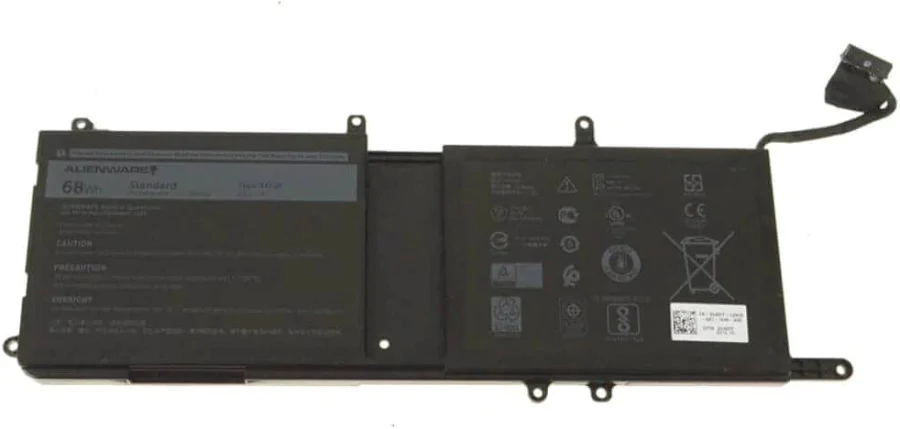
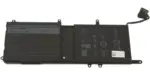
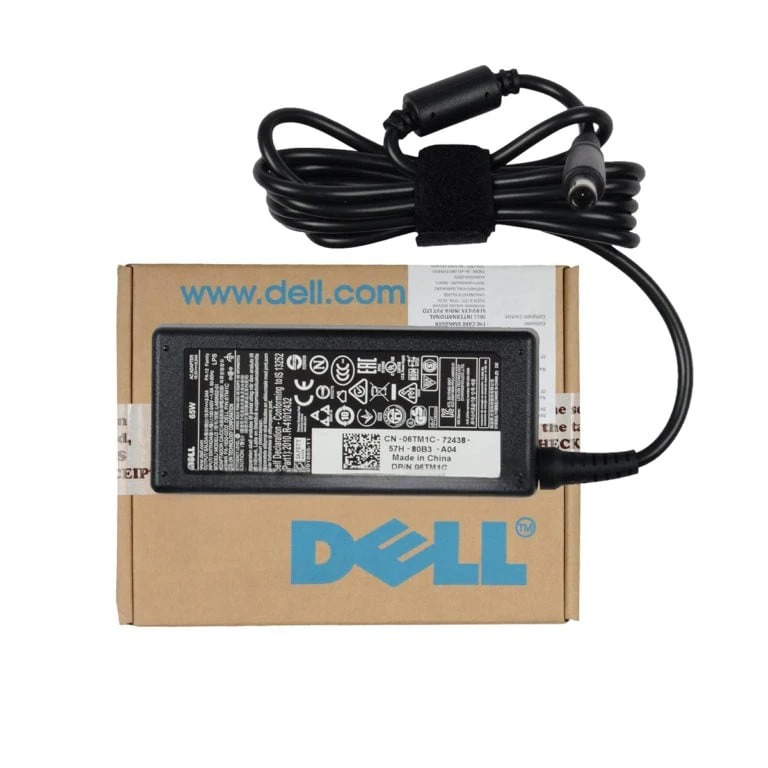
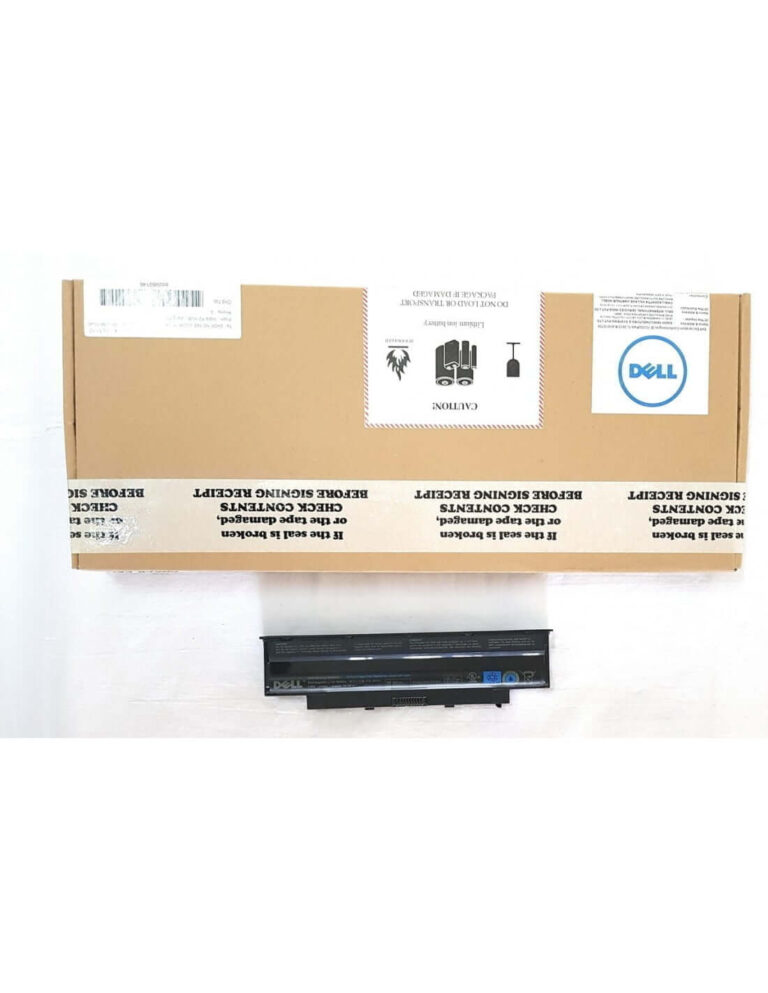
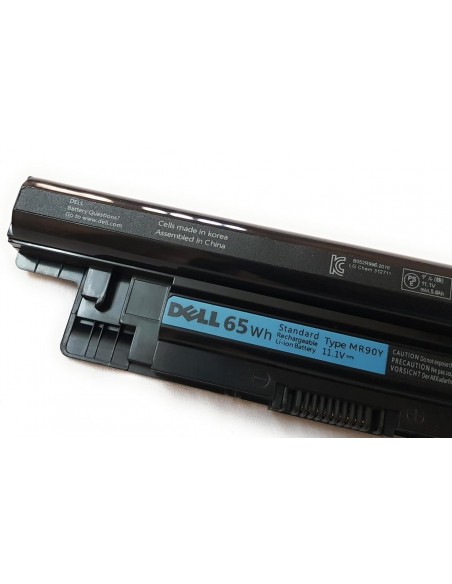
Restore your laptop’s peak performance with the genuine Dell Alienware 15 R4 Original Notebook Battery. Engineered for perfect compatibility and safety, this official replacement ensures you regain maximum battery life for untethered gaming and productivity.
Get 100 Discount On Online Payment USED PROMO CODE
ONLINE100
₹7,070.00 Original price was: ₹7,070.00.₹4,798.00Current price is: ₹4,798.00. 18% GST Included
Payment Methods:
| Warranty | 1 Year Warranty |
|---|
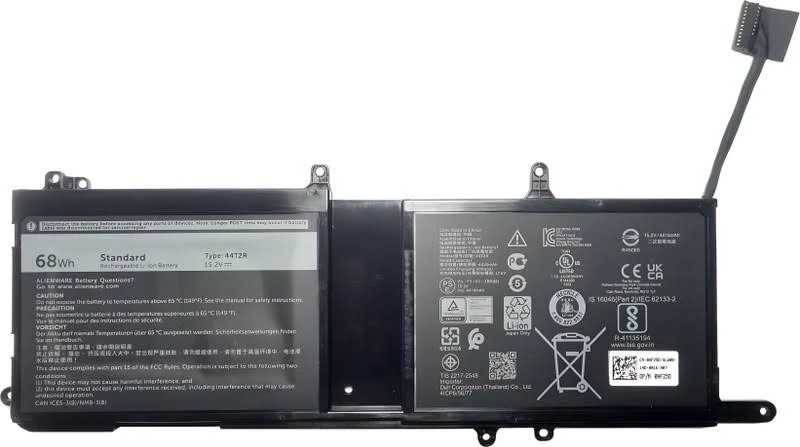
Restore the peak performance and untethered freedom of your gaming rig with the official DELL Alienware 15 R4-44T2R Original Laptop Notebook Battery. Engineered specifically for your high-performance machine, this genuine replacement battery ensures seamless compatibility, optimal power delivery, and the reliability you expect from the Alienware brand. Say goodbye to diminished battery life and the constant search for a power outlet, and get back to immersive, uninterrupted gaming and productivity.
A failing battery can severely limit the potential of your powerful Alienware laptop, tethering you to a wall outlet and compromising performance. By installing this genuine Dell replacement battery, you immediately restore your machine’s original portability. Experience the freedom to game, work, or create from anywhere without worrying about your next charge. A healthy battery ensures your system receives the stable, consistent power it needs to run demanding applications and games at its peak, preventing performance throttling that can occur with a weak power source.
Choosing an original Dell battery is an investment in the safety and longevity of your laptop. Unlike generic third-party alternatives, this genuine battery has undergone rigorous testing to meet Dell’s strict quality and safety standards. This eliminates the risk of incompatibility, poor fitment, or potential damage to your laptop’s sensitive internal components, giving you complete peace of mind that your investment is protected.
To ensure this is the correct part for your device, please verify your laptop model and original battery part number against the lists below.
Full List of Compatible Laptop Models:
Full List of Compatible Part Numbers:
Installation and Care Instructions:
For optimal performance, it is recommended to calibrate the new battery upon installation. To do this, fully charge the battery, then use the laptop until it fully discharges and shuts down, and then charge it back to 100% without interruption. Avoid exposing the battery to extreme temperatures and ensure your laptop’s ventilation is clear to prevent overheating. Professional installation is recommended if you are not comfortable with opening your laptop chassis.
You must be logged in to post a review.
No account yet?
Create an Account
Reviews
Clear filtersThere are no reviews yet.