-
Pan India Delivery.
-
100% Tested.
-
Secure Payments.
-
1 Lakh+ Order Delivered.
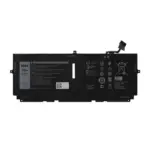
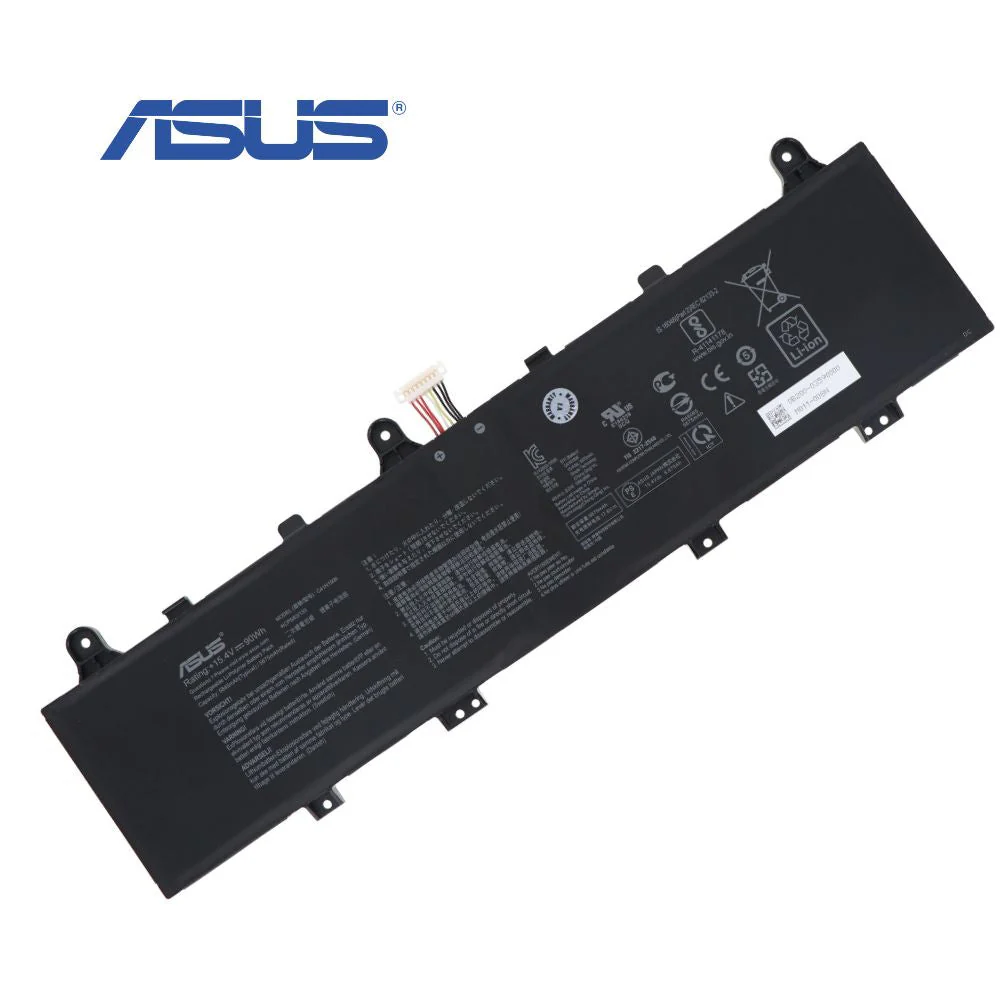
Restore your laptop’s endurance with the official ASUS C41N1906-1 battery. Specifically engineered for the ZenBook 14 UX481F, this genuine replacement guarantees optimal performance, safety, and a perfect fit.
Get 100 Discount On Online Payment USED PROMO CODE
ONLINE100
₹5,999.00 Original price was: ₹5,999.00.₹4,447.00Current price is: ₹4,447.00. 18% GST Included
Payment Methods:
| Warranty | 1 Year Warranty |
|---|
Restore the peak performance and untethered freedom of your premium laptop with the Genuine ASUS ZenBook 14 UX481 F-C41 N1906-1 Original Laptop Battery. Designed and manufactured by ASUS, this authentic replacement battery is the definitive solution for a declining or faulty power source. Stop being tethered to the wall outlet and rediscover the true portability of your ZenBook. This original component ensures perfect compatibility, optimal performance, and the safety standards you expect, breathing new life into your device for uninterrupted productivity and creativity on the go.
Investing in a genuine ASUS battery is an investment in your laptop’s longevity and your own peace of mind. Unlike third-party alternatives that can pose risks of incompatibility and damage, this original battery restores your laptop to its factory-standard performance. Experience extended runtimes that allow you to work through long meetings, attend classes all day, or enjoy entertainment during travel without constantly searching for a power source. Ideal for professionals, students, and creators who rely on their ZenBook’s mobility, this battery replacement empowers you to work, create, and connect from anywhere, just as you did when your laptop was new.
To ensure you are purchasing the correct component, please verify that your laptop model or original battery part number is listed below. This battery is exclusively designed for the following systems and part numbers.
Full List of Compatible Laptop Models:
Full List of Compatible Part Numbers:
For optimal performance, it is recommended to calibrate your new battery after installation. To do this, first charge the battery to 100%. Then, use the laptop until it fully discharges and shuts down. Finally, recharge it back to 100% without interruption. To maximize the lifespan of your battery, avoid exposure to extreme temperatures and try to keep the battery charge level between 20% and 80% for daily use whenever possible.
You must be logged in to post a review.
No account yet?
Create an Account
Reviews
Clear filtersThere are no reviews yet.